
Kinship Sampler Errata
Designers and production teams do their best to make sure that patterns are without error, however they’re only human and sometimes despite their best efforts errors slip through. The following errors have been identified in Kinship: 100 Block Fusion Sampler:
Version 1
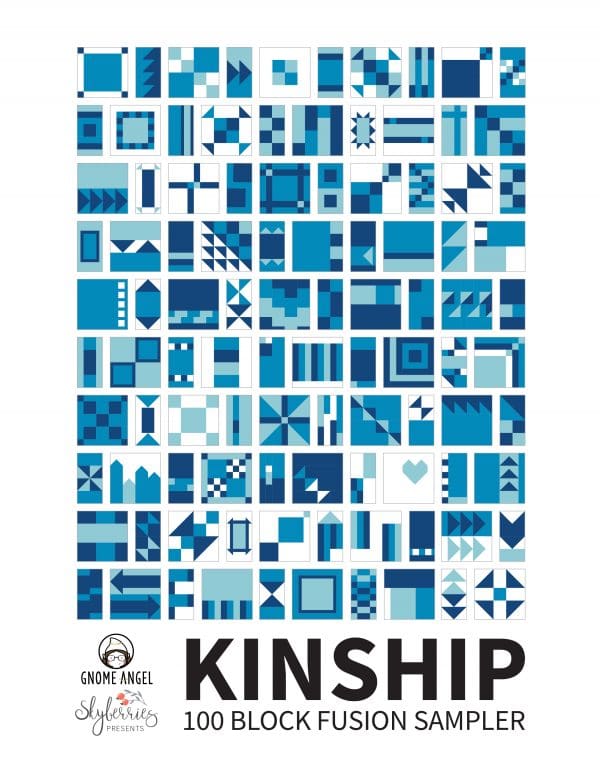
- BLOCK 7 – Piece H in the upper right-hand corner is missing it’s label in the block diagram.
- BLOCK 44 – Cutting instructions for Piece C – FG Fabric 2 should be 1.5″ x 1.5″
- BLOCK 51 – Finished size is listed as 8″ x 8″ and should be 4″ x 8″
- BLOCK 52 – Finished size is listed as 4″ x 8″ and should be 8″ x 8″
- BLOCK 54 – Finished size is listed as 4″ x 8″ and should be 8″ x 8″
- BLOCK 77 – Piece B and Piece C should be marked as FG. They are correctly included in the Flying Geese table on page 6 of the pattern.
Version 2

- BLOCK 84 – Piece C and Piece D should be From Marti Michell template E32
All known errors have been amended in the digital versions of the pattern.
PDF File Names
The following file names reflect the most up-to-date and current version of the pattern:
- Kinship: 100 Block Fusion Sampler (Machine Pieced) = “GA-QP7771_v2-0_Kinship_Digital_FA.pdf”
- Kinship: 100 Block Fusion Sampler – FPP Information Booklet = “GA-QP7771A_V2-0_Kinship FPP_Digital_FA.pdf”
- Kinship: 100 Block Fusion Sampler – FPP Pattern Pieces = “Kinship_-_FPP_-_Pattern_Pieces_-_v1.1.pdf”
If you would like to download the latest version you can access the files via your order link.
Please Note: If a file is updated an email is sent to all impacted orders and their download limits are reset so that they may access the files.
*** IMPORTANT INFORMATION ***
You will only have 3 attempts to download each PDF file. PLEASE OPEN YOUR FILES ON YOUR DESKTOP AND SAVE IT IMMEDIATELY. If it is opened on a mobile device it will count as a download and it will download it each time you view it if it’s not saved. PLEASE SAVE THE FILE WHEN YOU OPEN IT.
If you wish to save the file on your mobile device please consult your mobile device manufacturers help files on how to do this. Unfortunately given the wide variety of mobile devices on the market and their operating systems I am not in a position to provide IT support for file management.
Download attempts can be reset – however this can only be done during my business hours of Monday to Friday 9:30am – 2:30pm (Australian Time). Please email me if you have any issues and I will respond during business hours. (To work out what time it is in my part of the world click here and enter Sydney as the city.)
Unidentified Errors
If you’ve found an error that is not listed on this page, please contact us to confirm that it is an error so that we can update the list. Thank you!